How do I get a list of all the profiles or contacts in my account?
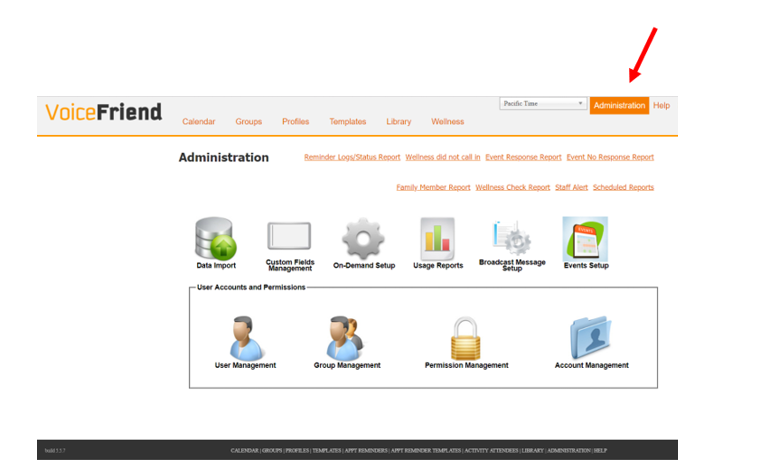
1. Click on Administration.
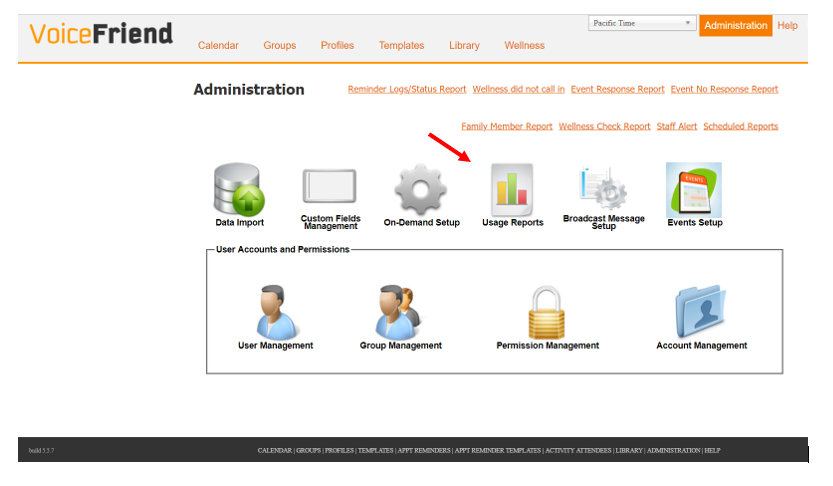
2. Click on Usage Reports.
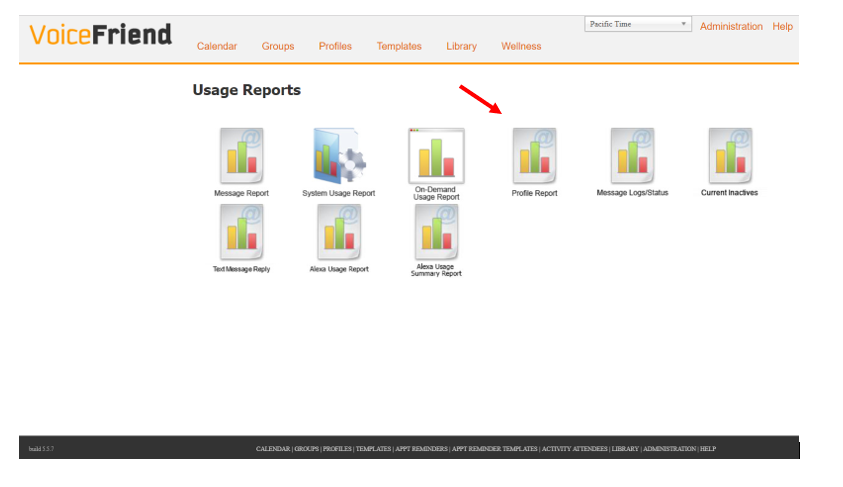
3. Click on Profile Report.
4. Select the Profile Group that you want.
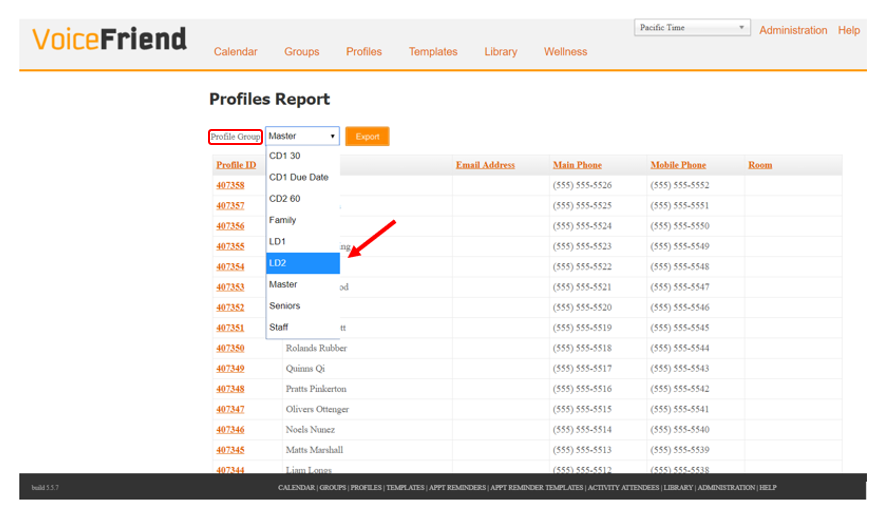
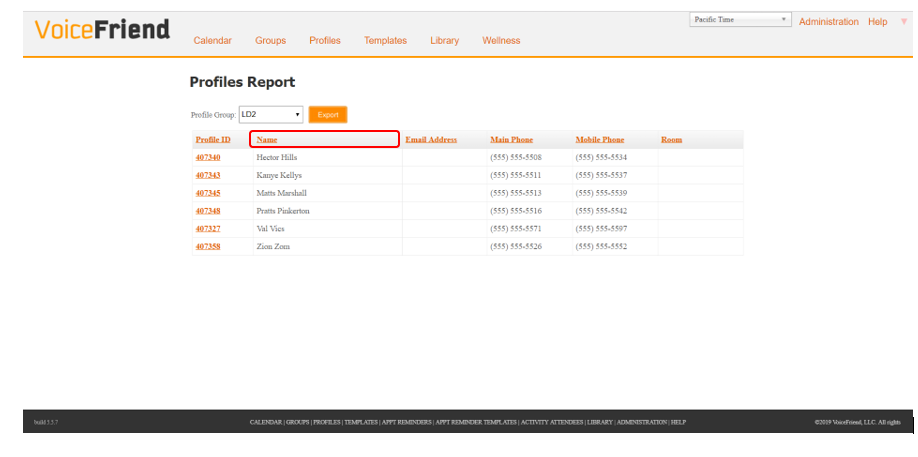
5. Click on Name to sort by name.
6. Click Export.
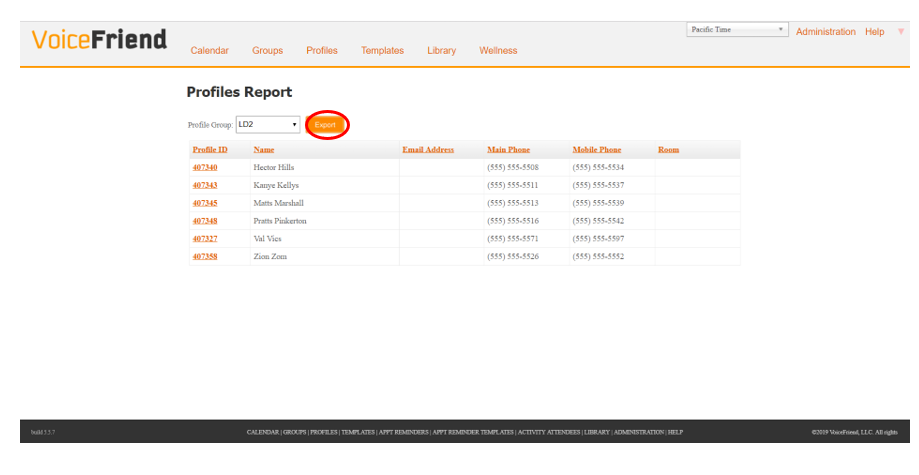
VoiceFriend will create an Excel spreadsheet with all the profiles/contacts of whichever group you selected. You can repeat the export for different Groups as needed.