How do I change my password from the login screen?
1. Go to the VoiceFriend Login page (https://portal.voicefriend.net/login.aspx).
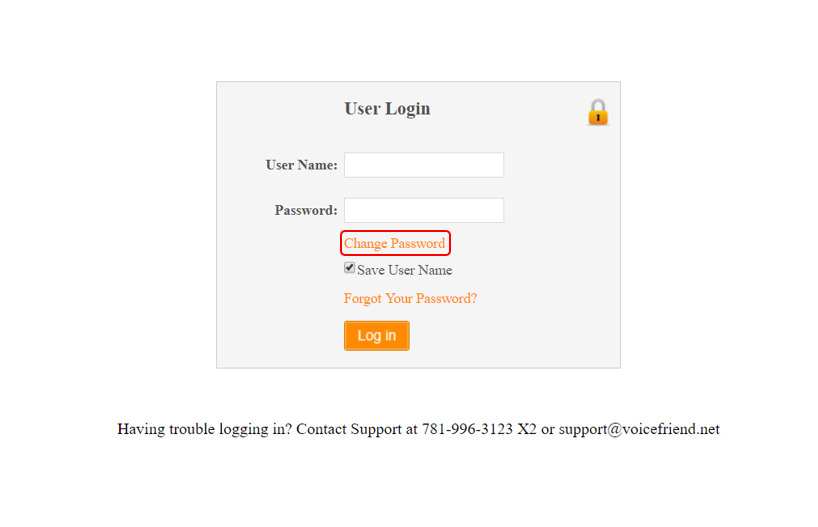
2. Click on Change Password.
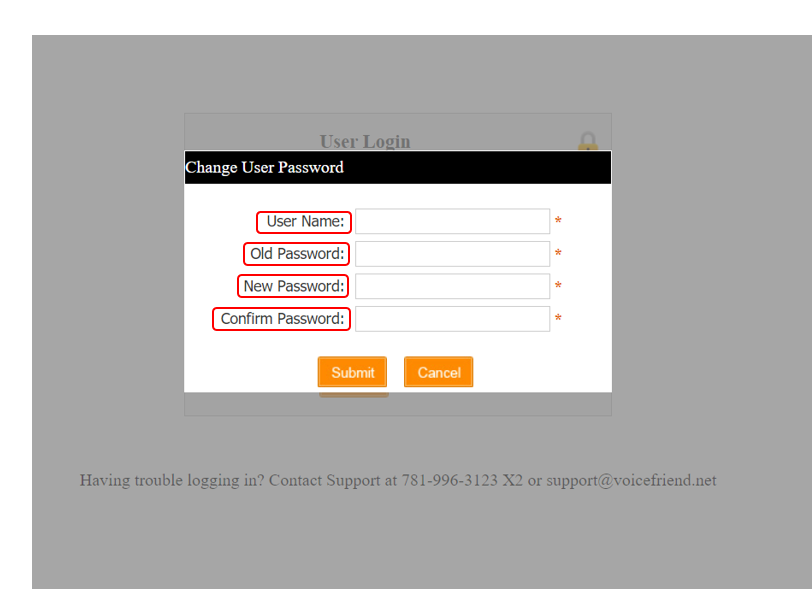
3. Type in your User Name, your old password, and your new password.
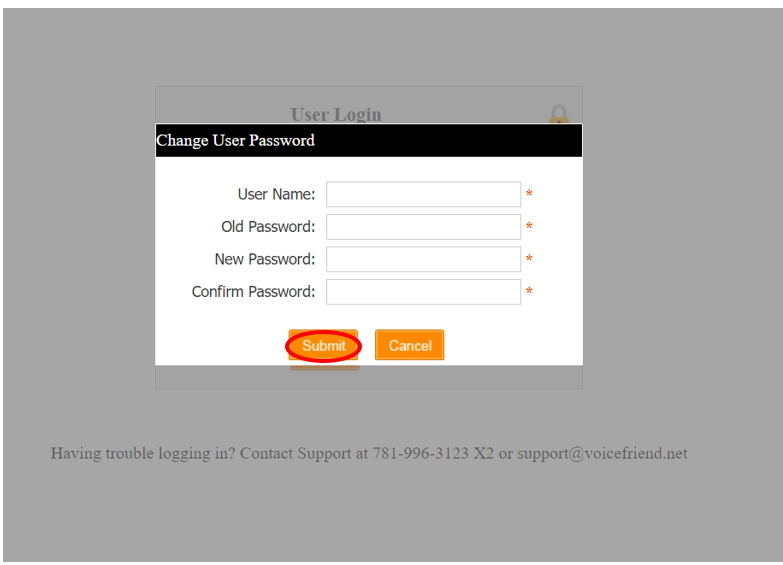
4. Click "Submit".
1. Go to the VoiceFriend Login page (https://portal.voicefriend.net/login.aspx).
2. Click on Change Password.
3. Type in your User Name, your old password, and your new password.
4. Click "Submit".