Why do I have an unwanted subgroup, and how do I get rid of it?
This happens when someone creates a new group inside an already existing group.
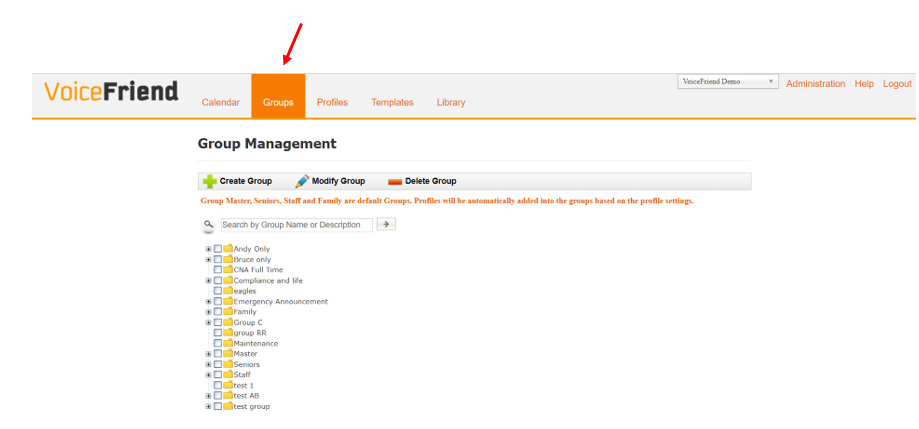
1. To get rid of the unwanted subgroup folder, click on Groups.
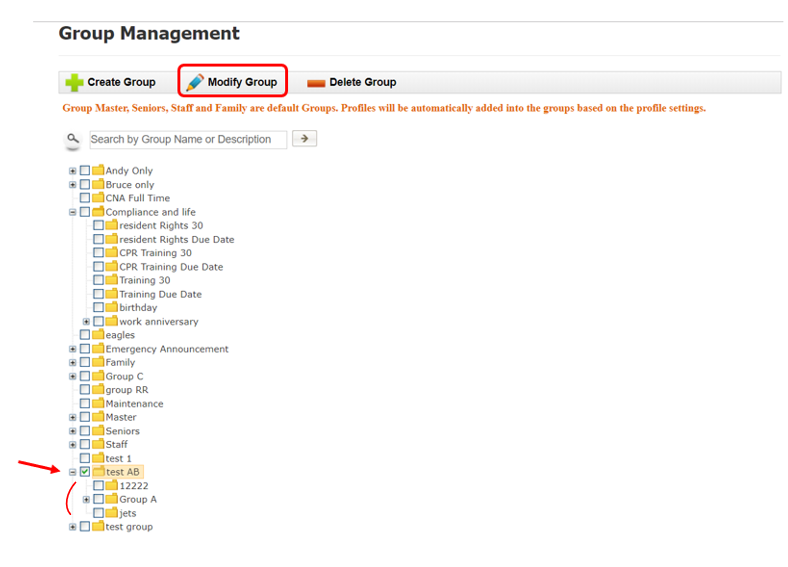
2. Click the box beside the group that contains the subgroup you wish to delete and then click on Modify Group.
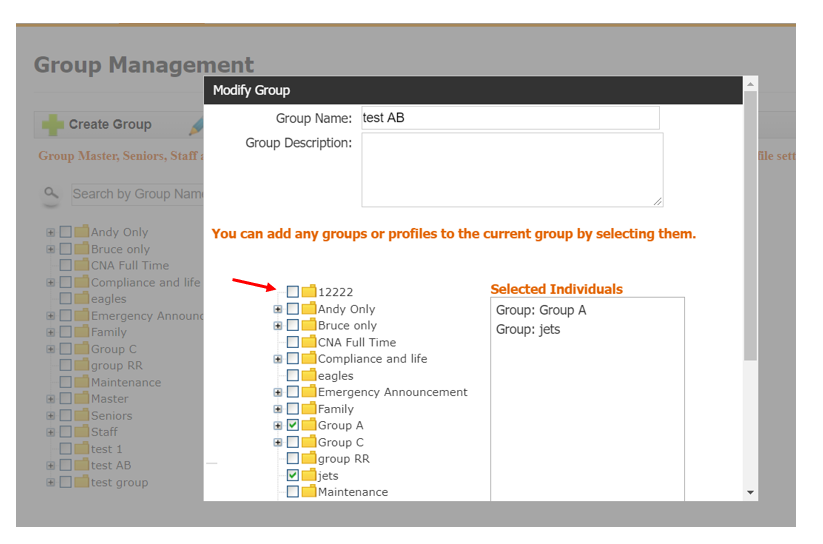
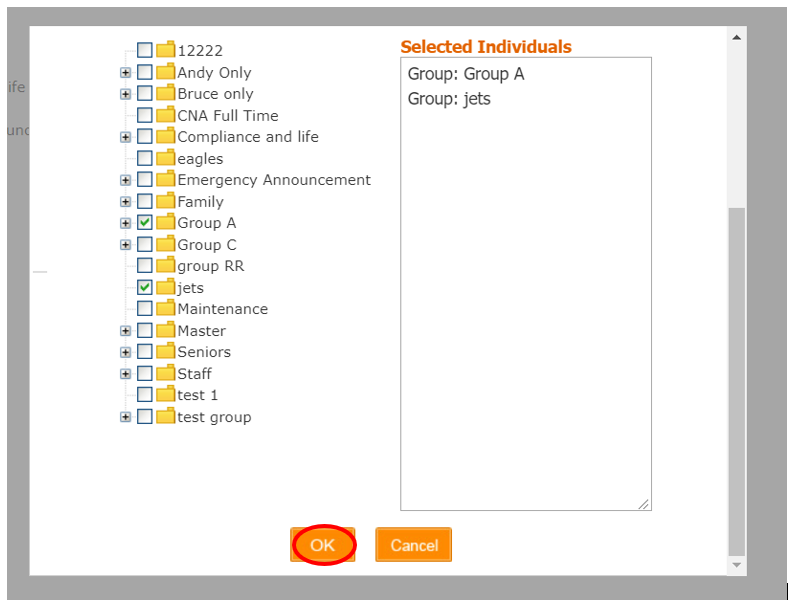
3. In this screen, all the current subgroups within your group will be listed and checked off. Uncheck the subgroup you want to be removed from your group and click OK. If you want to delete the subgroup entirely, continue to step 4 and 5.
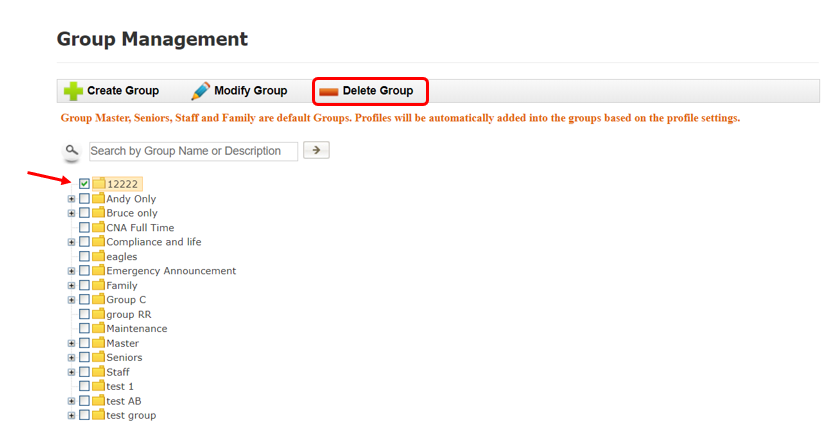
4. Click the box beside the group (this was just your unwanted subgroup) to put a check mark beside it and then click Delete Group at the top.
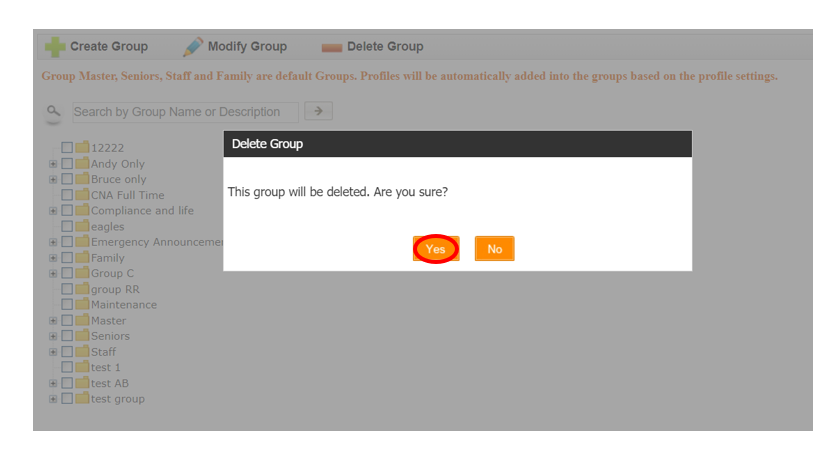
5. At the prompt “This group will be deleted. Are you sure?”, click Yes.