Someone is going on leave or vacation, how can I stop sending them messages during this time period?
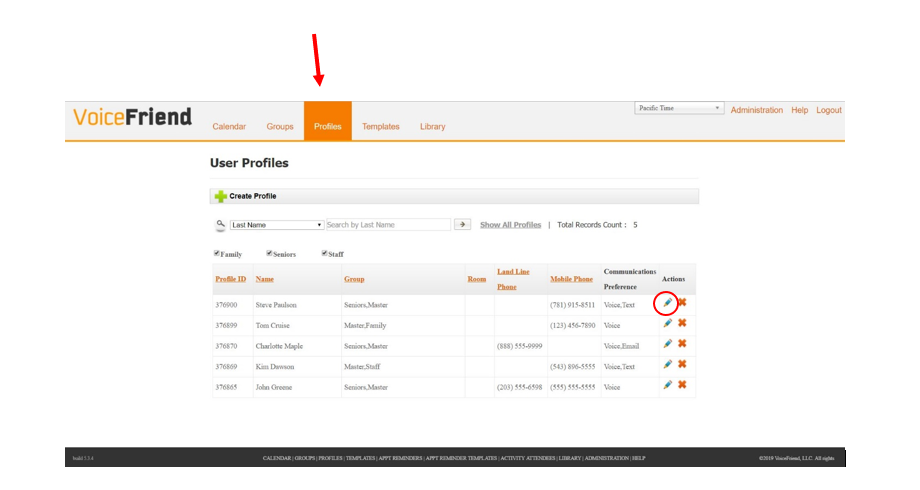
1. To enter someone into inactive status, click on the Profiles tab. Find the person you would like to put on inactive status and click on the Pencil to the right of their phone number.
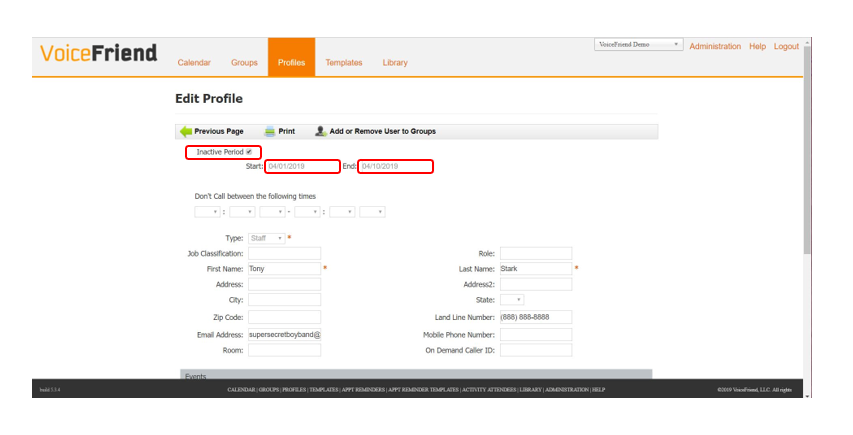
2. At the top of the screen, check the Inactive Period box and enter the Start and End Date for the inactive period in mm/dd/yyyy format or search for the date in the calendar popup window.
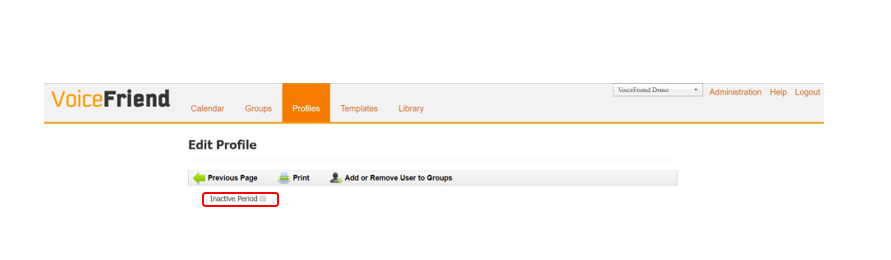
3. To reactivate a person, you can either uncheck the box marked Inactive Period or let the person automatically become active again at the end of the inactive period.
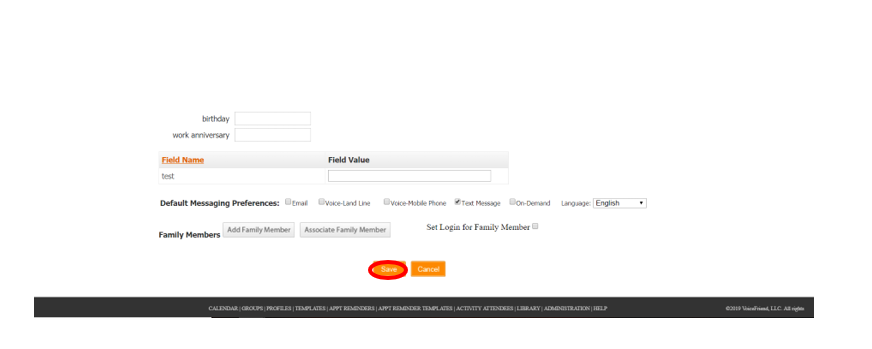
4. Click Save at the bottom of the page.