How do I delete a Profile from the system?
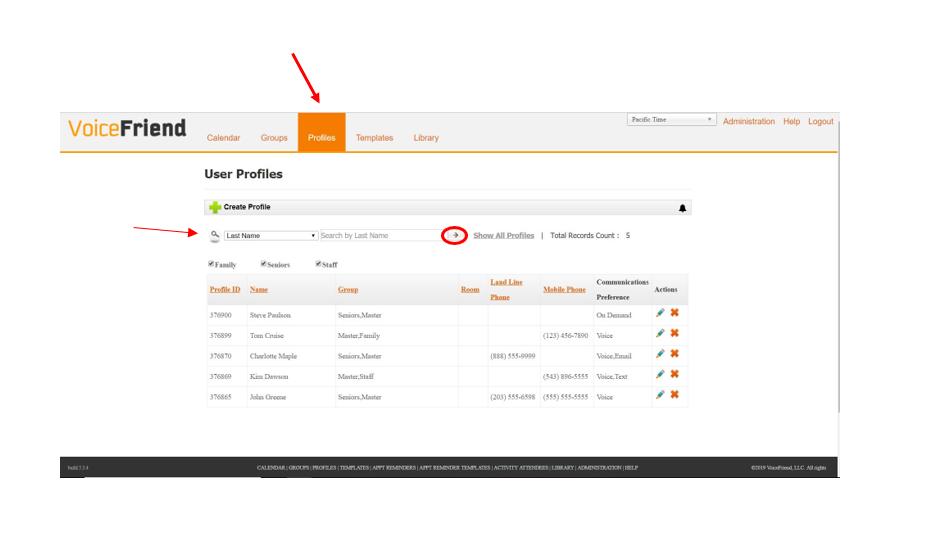
1. Go to the Profiles tab and search for the individual you would like to remove. The default will search for the person's Last Name but you can use the drop down to the left of the text box to change the search to their First Name, First and Last Name, Room Number, Phone Number, Profile ID and so on. Once you have typed in any of the criteria that was just listed, click the Arrow to begin the search.
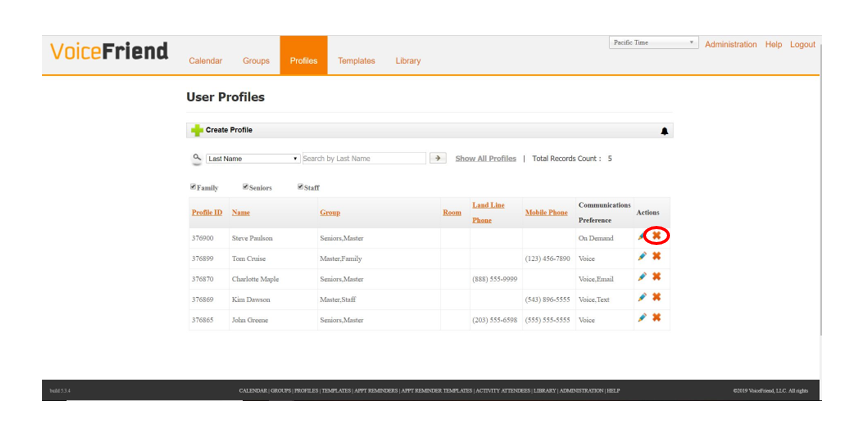
2. When you find the correct profile you want to delete, click the "X" button in the Actions column.
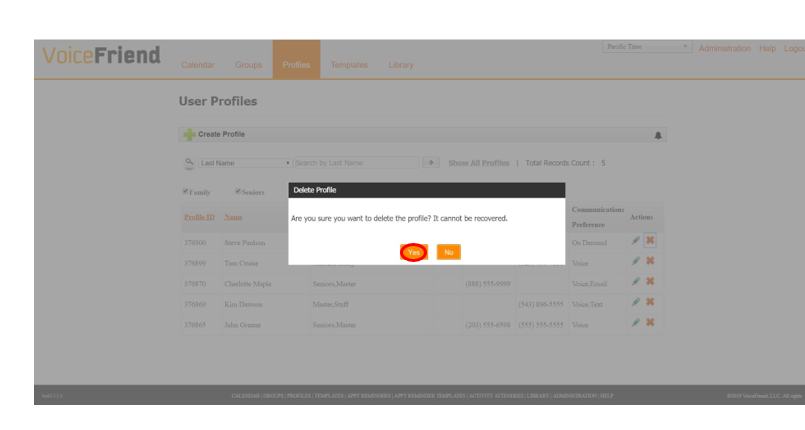
3. The following prompt will appear Are you sure you want to delete the Profile? It cannot be recovered. Click Yes and the profile will be deleted.