How do I add a new group?
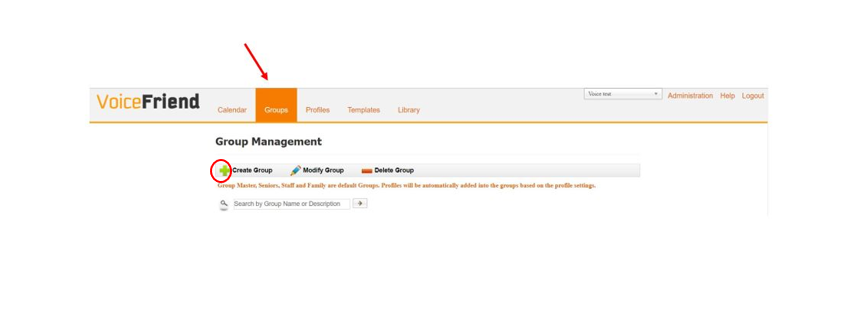
1. To add a group, click on the Groups tab near the top of the screen. Then click the green plus sign to Create Group.
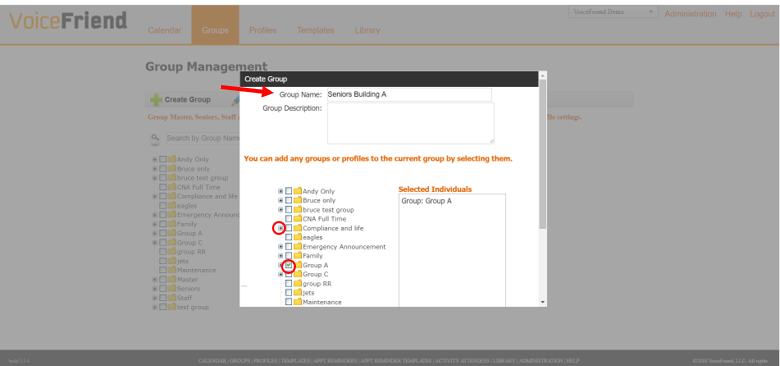
2. Enter the new group name. You can add existing groups to your new group by clicking in the box to select the entire group, and you can add individuals to your new group by clicking the plus sign next to a group and clicking in the box next to a specific individual.
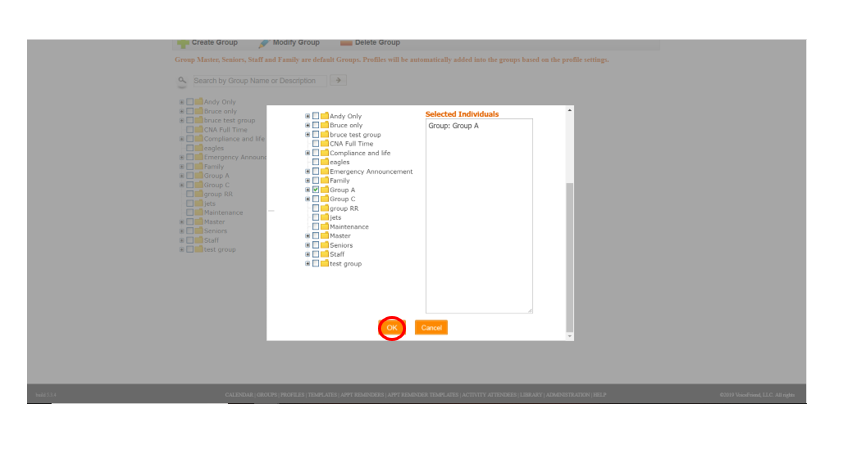
3. Click OK at the bottom of the screen.