How do I change my password from within the VoiceFriend Portal?
1. Log in to your VoiceFriend account.
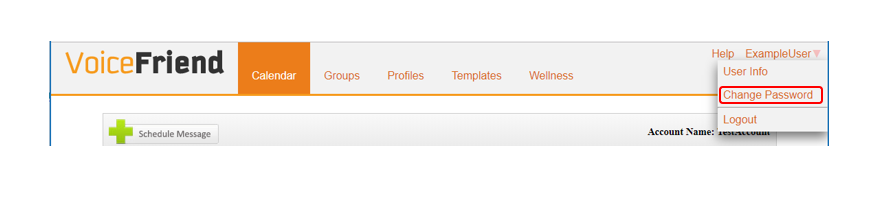
2. Find the User Options menu in the upper right hand corner of the page. Select Change Password.
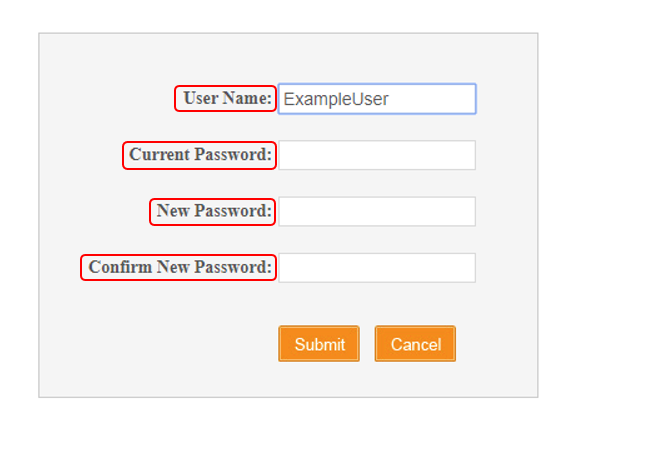
3. Type in your User Name, your old password, and your new password.
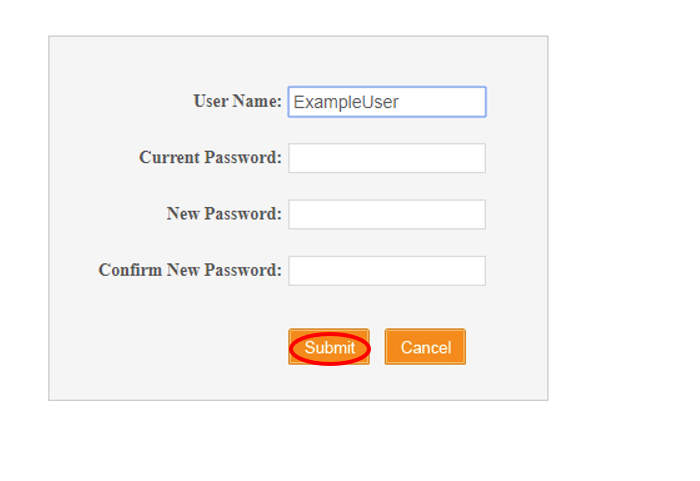
4. Click "Submit".